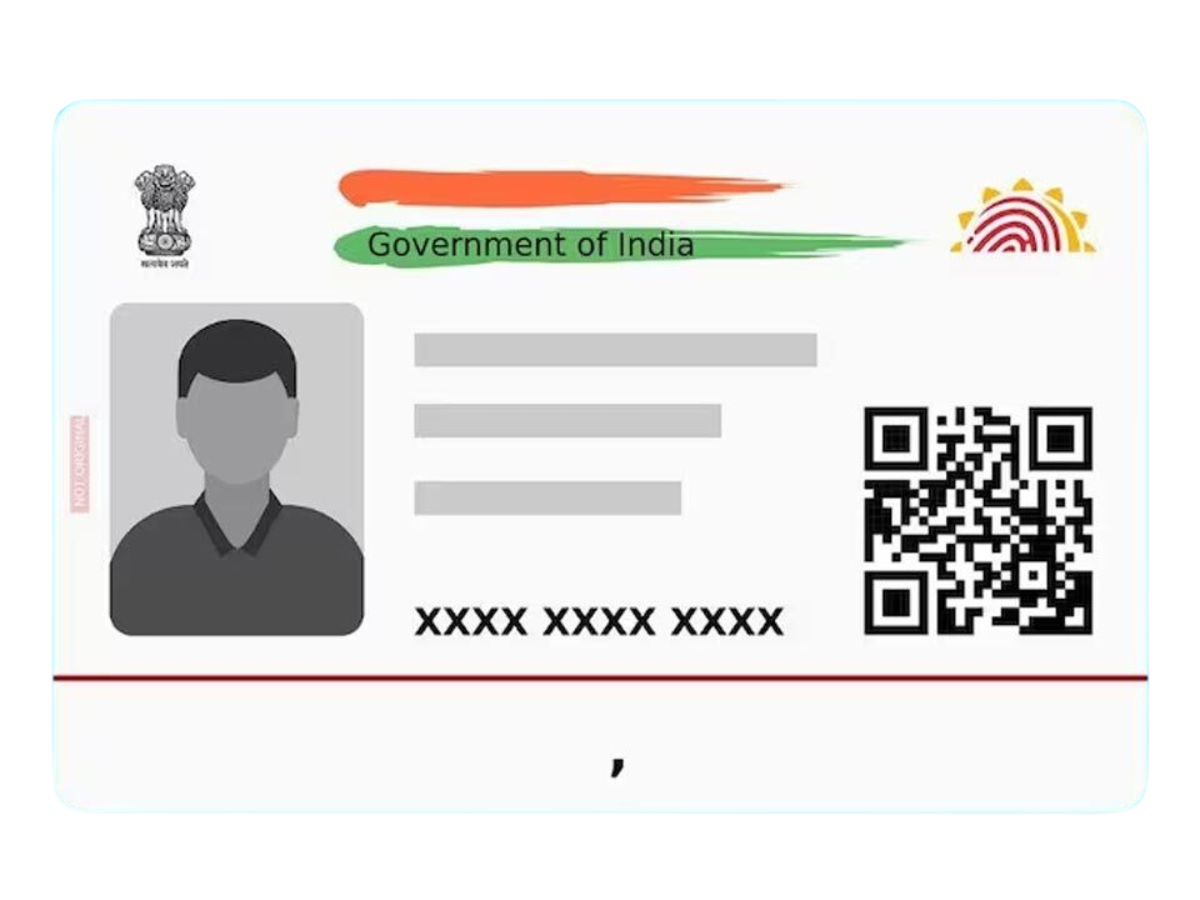
Aadhaar Update: To receive OTPs, alerts, and important notifications from UIDAI, you must keep your Aadhaar details current. The guide provides a straightforward process to help you change your email ID when you need to update your existing email or when you want to add a new one.
Aadhaar Update: Can You Update Email Online?
Currently, UIDAI permits users to update their addresses online, while users must visit either an Aadhaar Seva Kendra or an authorized enrollment center to update their email addresses. The process requires very little time because it takes only a few minutes to complete.
Aadhaar Update: Step-by-Step Guide to Update Email in Aadhaar
Step 1: Locate Nearest Aadhaar Centre
The official UIDAI website provides a “Locate Enrolment Center” feature that users can access to find their nearest Aadhaar Seva Kendra.
Step 2: Book an Appointment (Optional)
You can book an appointment online to avoid waiting in queues.
Step 3: Visit the Centre
Bring your Aadhaar card because you do not need to present any other documents to update your email ID.
Step 4: Submit Update Request
You should tell the executive that you want to update or add your email address. You must provide your new email ID to the system with complete accuracy.
Step 5: Biometric Authentication
You will need to verify your identity through biometric authentication (fingerprint/iris scan).
Step 6: Collect Acknowledgement Slip
You are required+ to pay the update fee, which usually costs ₹50, and then you will receive the Update Request Number (URN) slip to track your status.
Aadhaar Update: How to Check Status?
You can track your update request using the URN on the UIDAI website under the “Check Update Status” section.
Updating your email ensures smooth access to Aadhaar-related services and timely OTP verification for various government schemes and financial services.