MoRTH urges vehicle & DL holders to update mobile numbers on Vahan & Sarathi portals. Learn why it's crucial and follow the step-by-step guide to avoid service disruptions.
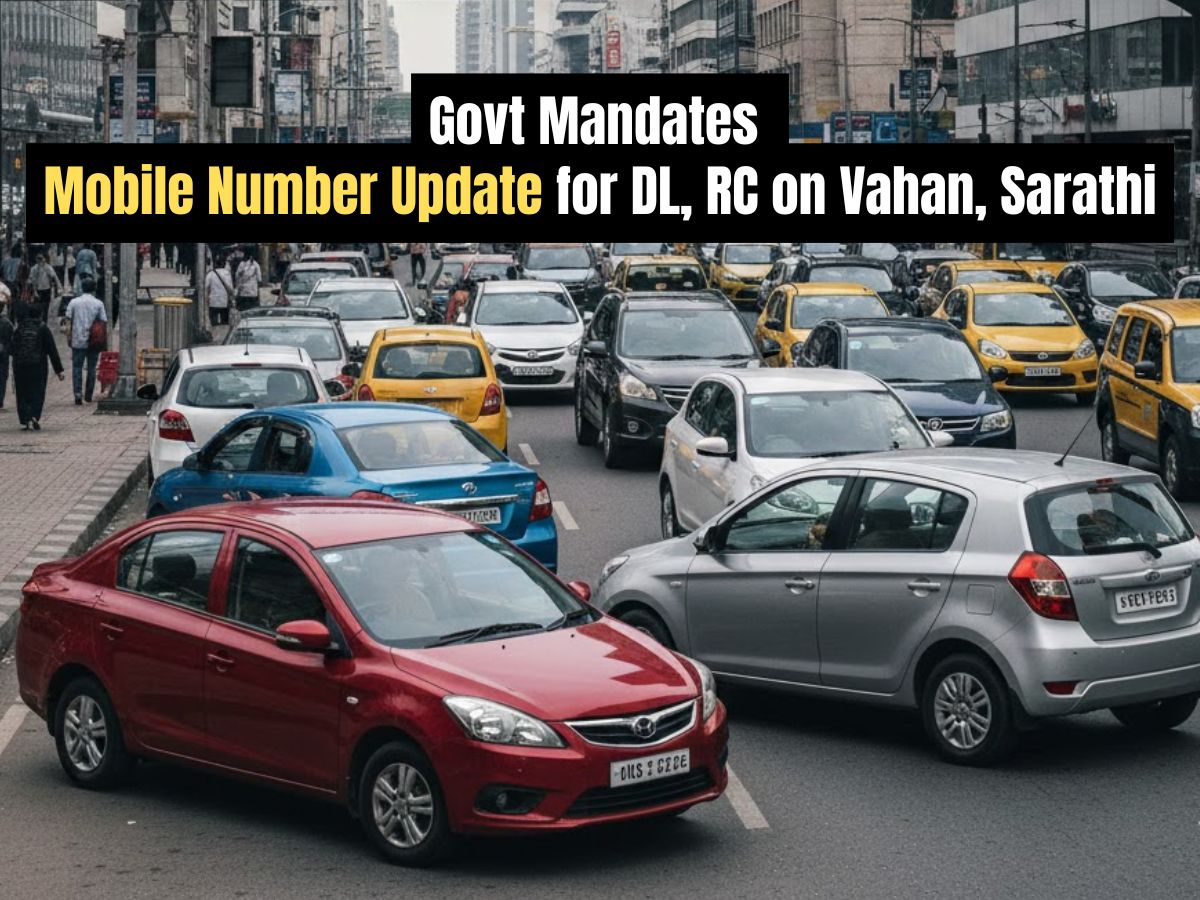
Govt Urges Vehicle Owners to Update Mobile Number on Vahan, Sarathi (Image: File)
NEW DELHI, December 29 — The Ministry of Road Transport and Highways has issued a nationwide advisory urging all vehicle owners and driving license holders to immediately update their registered mobile numbers on government portals. This critical update is required to maintain uninterrupted access to essential digital transport services and avoid transaction failures.
The Ministry of Road Transport and Highways (MoRTH) states that accurate contact information is now must for India's digitizing transport ecosystem. Outdated mobile numbers, mostly registered several years ago, cause frequent One-Time Password (OTP) verification failures, missed alerts regarding renewals or penalties, and significant delays while processing online requests. This proactive initiative aims to ensure uninterrupted service access and boost the security and reliability of the national transport database.
An incorrect or inactive registered mobile number will not let you access to key online services. This includes:
The advisory applies to all owners of registered vehicles—including cars, SUVs, commercial vehicles, motorcycles, and scooters—as well as every holder of a driving licence. Applicants for new vehicles or licences are also urged to ensure their submitted mobile numbers are current and accessible.
For vehicle-related services, owners must use the Vahan portal.
For driving licence services, holders must use the Sarathi portal.
