ChatGPT caricature trend explained: learn what it is, why it’s viral, best prompts to try, and step-by-step guide to create your own AI cartoon.
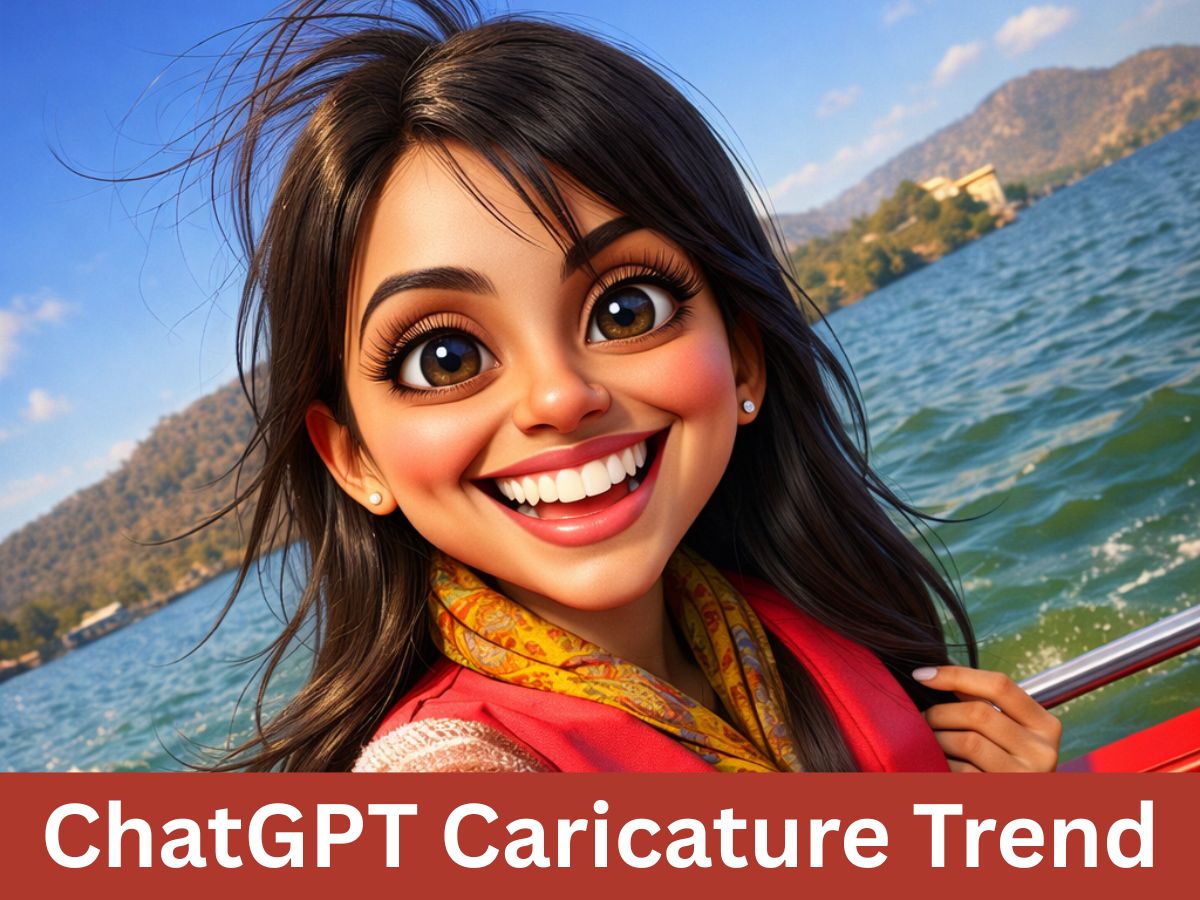
ChatGPT caricature trend best prompts to try [AI Generated]
Social media users are embracing a new AI powered trend that turns ordinary selfies into exxagerated, cartoon-style portraits. Known as the ChatGPT caricature trend, it allows users to create playful, over-the-top illustrations of themselves by combining a photo with a smart prompt. What once required a street artist or theme park visit now takes just a few seconds with the help of artificial intelligence.
AI-generated caricatures are quickly filling Instagram feeds, LinkedIn profile pictures, and WhatsApp displays. The trend blends humour, personal identity, and creativity, making it one of the most shareable digital fads of 2026.
The ChatGPT caricature trend involves uploading a close-up photo and using a text prompt to generate a cartoon version of yourself. The AI exaggerates facial features, expressions, and body language while often adding details related to your profession, hobbies, or personality.
Users discovered that ChatGPT’s image tools can produce caricatures that resemble traditional hand-drawn cartoons. These images highlight defining traits such as smiles, hairstyles, glasses, or expressions in a fun and exaggerated way, making them instantly recognisable and entertaining.
The trend gained momentum because it mixes personalisation with humour. People enjoy seeing themselves reimagined in a light-hearted, creative format that feels unique and shareable. Several factors pushed the trend into viral territory:
Users also compare caricatures with friends and colleagues, turning the trend into a social activity rather than a solo experiment.
ChatGPT generates caricatures by combining image recognition with text-based instructions. When a user uploads a photo, the AI identifies facial structure, expressions, and proportions. The prompt then tells the AI how to exaggerate these elements and what style to follow.
If a user has a long chat history, the AI can sometimes add context based on past conversations. When that history is missing, detailed prompts help guide the output. The result feels similar to what a caricature artist would draw, but created digitally and instantly.
Below are popular prompt styles, written exactly for easy copy-paste use:
"Exaggerate features of a chef with giant kitchen tools, playful cartoonish style, humorous expression, emphasize uniform and hat, keep facial identity recognizable, bright colors, dynamic pose, high detail"
"Create a humorous caricature of an engineer holding oversized blueprints, surrounded by gadgets, exaggerated facial features, playful expression, cartoon style, preserve identity, dynamic perspective, vibrant colors"
"Exaggerate a teacher holding oversized books, cartoonish expression with big smile and glasses, playful comic style, emphasize personality and profession, preserve facial identity, vibrant colors and exaggerated proportions"
"Create a caricature of a gamer at a dramatic setup with oversized headphones and multiple screens, excited energetic expression, exaggerated facial features, cartoon style, preserve identity, dynamic composition, bright playful colors"
"Exaggerate facial features for a bright, colorful cartoon-style profile picture, playful expression, preserve identity, dynamic composition, high saturation, eye-catching style"
"Caricature with dramatic pose and props, exaggerated facial features, playful cartoon style, expressive and shareable, preserve identity, vibrant colors, social media-ready"
"3D render caricature with exaggerated facial features, playful proportions, humorous cartoonish style, cinematic lighting, preserve identity, vibrant colors"
"Street-art graffiti-style caricature, exaggerated facial features, bold urban colors, playful cartoonish expression, preserve identity, dynamic composition, humorous style"
Use specific details like profession or props:
